TELECHARGEMENT
Téléchargement de logiciel
Merci de cliquer le lien ci-dessous (prendre contact avec nous pour obtenir le mot de passe) :
For Windows 11 users, you need to “unblock” the zip file before extracting it: right-click the ZIP file, select “Properties,” and on the “General” tab, check the “Unblock” box at the bottom (if visible). Click “Apply” and then “OK”. Once fully extracted, launch the installer.
InstallNPS_0.9.32
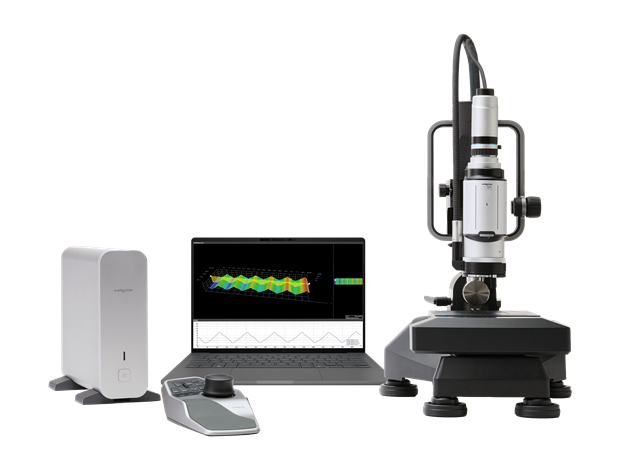
E260301376_HRX-02_Ver1.41_20260317
E261001465_HRX-02_Classic_Ver1.08_20261013
E261001462_HRX-01_Ver2.42_20261013
1.1.5.0
E261001463_RX-100_Ver2.42_20261013
2.0.5.0 – incl. VS2013
1.0.0
1.0.6
Catalogues de produits Hirox

HRX-02
Microscopes numériques
HRX-01 / RX-100
Microscopes numériques